Scam
Risk75
Do not open the link and do not enter anything. If you already did, change that password and call your bank.
You clicked. Now what?
×The click itself is rarely the problem. What matters is what you typed after it. Find your case below.
I entered card details or a one-time code
This is urgent. Call now — do not read the rest first.
- Call your bank and block the card. The number is on the back of the card or in your banking app — never a number from the message.
- Ask explicitly to freeze the card and reverse any pending transactions.
- A one-time code authorises a payment. If you gave one, money can move in minutes.
- Check your statement for small test charges — they run one before the big one.
I entered a password
- Change it on the real site, typing the address by hand. Do not click the link again.
- Change it everywhere else you use the same password. That is where the damage happens.
- Turn on two-factor authentication, starting with your email.
- Check your email for forwarding rules you did not create, and for an unfamiliar recovery address. Almost everyone skips this, and it is how the attacker keeps access after you change the password.
- Sign out all active sessions from the account's security settings.
I only clicked, I typed nothing
Usually nothing happens. Close the tab and do not reopen it. If a file downloaded, do not open it — delete it, and see your device below.
In every case
- Expect a second wave. A call from "bank security" often follows, and they know what just happened. It is the same people. Hang up and call the bank yourself.
- No bank ever asks for your password, PIN or a one-time code over the phone, and none will ask you to move money to a "safe account".
- Tell whoever shares the device or the account. These scams run through families.
- Report it to your bank and to the Cyprus Police Office for Combating Cybercrime (police.gov.cy). Keep the message as evidence — do not delete it yet.
Your device
Android
- Settings → Apps: uninstall anything installed after the click.
- Play Store → Play Protect → Scan.
- Settings → Accessibility: remove permissions from apps you don't recognise. Malicious ones abuse it to read your screen and your texts.
- Settings → Security → Device admin apps: remove anything unfamiliar.
- Check call forwarding: dial ##002# to cancel any that was set.
- Do not install an "antivirus" that the same page recommended.
iPhone / iPad
- iOS does not install apps from a link. The exposure is what you typed.
- Settings → General → VPN & Device Management: delete any profile you did not add.
- Change your Apple Account password and review the devices signed in.
- Settings → Apps → Safari → Clear History and Website Data.
- You do not need antivirus on iPhone. Don't buy one because a popup said so.
Windows
- If a file downloaded or ran: Windows Security → Virus & threat protection → Scan options → Microsoft Defender Offline scan.
- Settings → Apps: remove anything installed today that you did not install.
- Check browser extensions and delete any you did not add.
- Change passwords from a different device until the PC is clean.
Mac
- System Settings → General → Login Items: remove unknown entries.
- Safari/Chrome → Extensions: delete anything you did not install.
- Change passwords from another device if you ran a downloaded file.
Why
- Addresses ending in .icu are among the most heavily used for scams.
- It pressures you to act within hours. Urgency is there to stop you thinking.
- It dangles points, a prize or a reward you never asked for.
- This was read from a screenshot. Letters like l and 1 are easy to misread from an image, so we stop short of certainty.
- The link goes to a random website, not the official Petrolina site.
- The message uses a strange domain ending that is not used by real businesses.
- It pressures you to act immediately to avoid losing your points.
Where the links actually go
hxxps://acsmomowei[.]icu/pet
acsmomowei.icu
Addresses are shown broken so they cannot be opened by accident.
What to do next
Do not click the link or enter any personal details; delete the message immediately.
Warn the people it will reach next
This arrived in someone else's inbox too. Forward the card — it says what to watch for without a link to click.
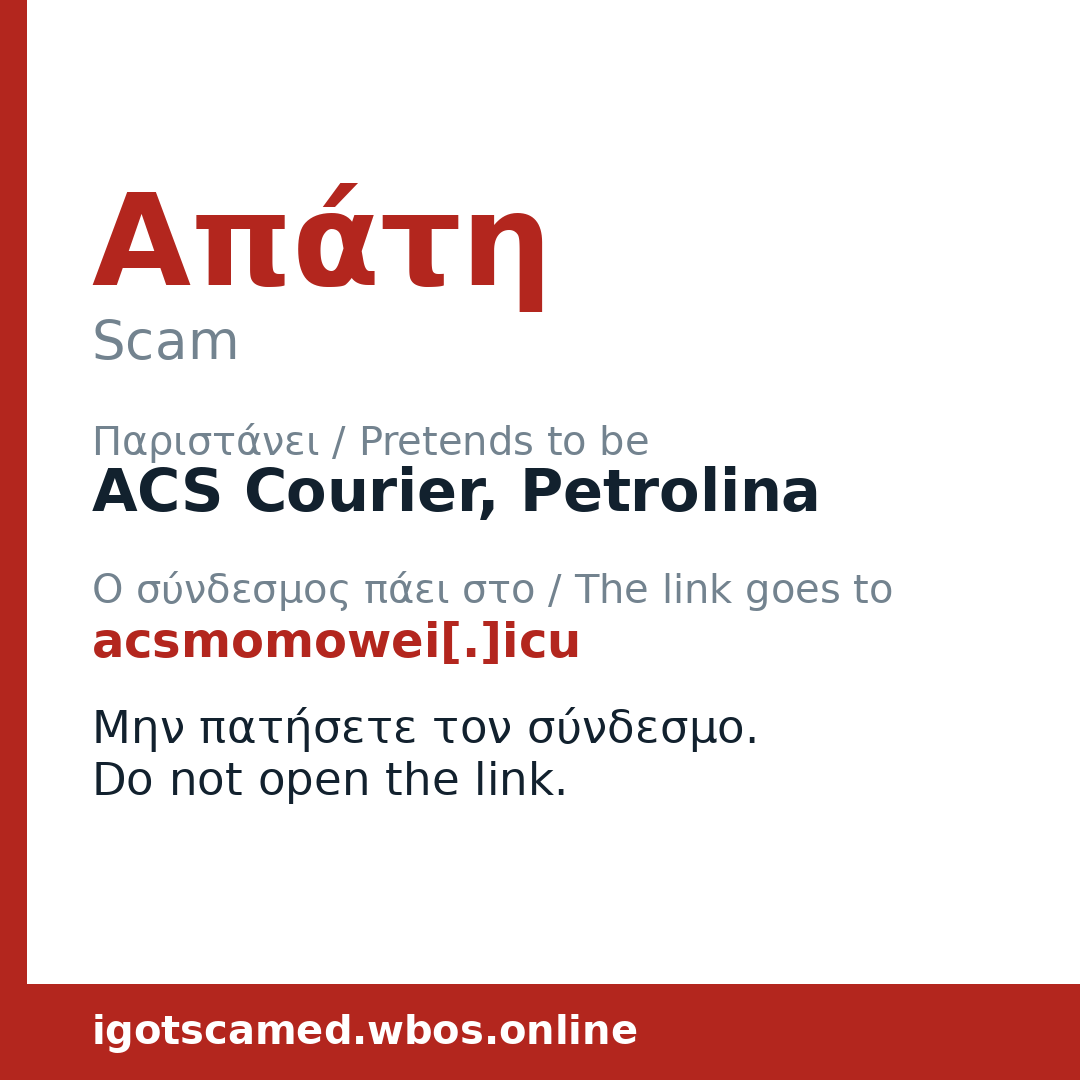
On a phone you can also hold the card and share the image straight into a chat.
The message we examined
Your Petrolina reward point balance (8,822 points) expires today, so it's important to claim your reward promptly. https://acsmomowei.icu/pet
Personal details were removed before we stored anything.
Did we get this right?
Thank you — that helps us get it right for the next person.